Learn how to seamlessly convert legacy cabling to Ethernet or extend IP camera cable lengths with ease.


Excellent devices! Work great!

Learn how to seamlessly convert legacy cabling to Ethernet or extend IP camera cable lengths with ease.
Repurpose coax, 2-wire, UTP, and other legacy cabling for IP camera upgrades.
Cut installation time and material costs by avoiding unnecessary cable replacement.
Reach farther with PoE and IP extenders for longer camera runs.
Win more retrofit jobs with faster, more cost-effective IP upgrade solutions.
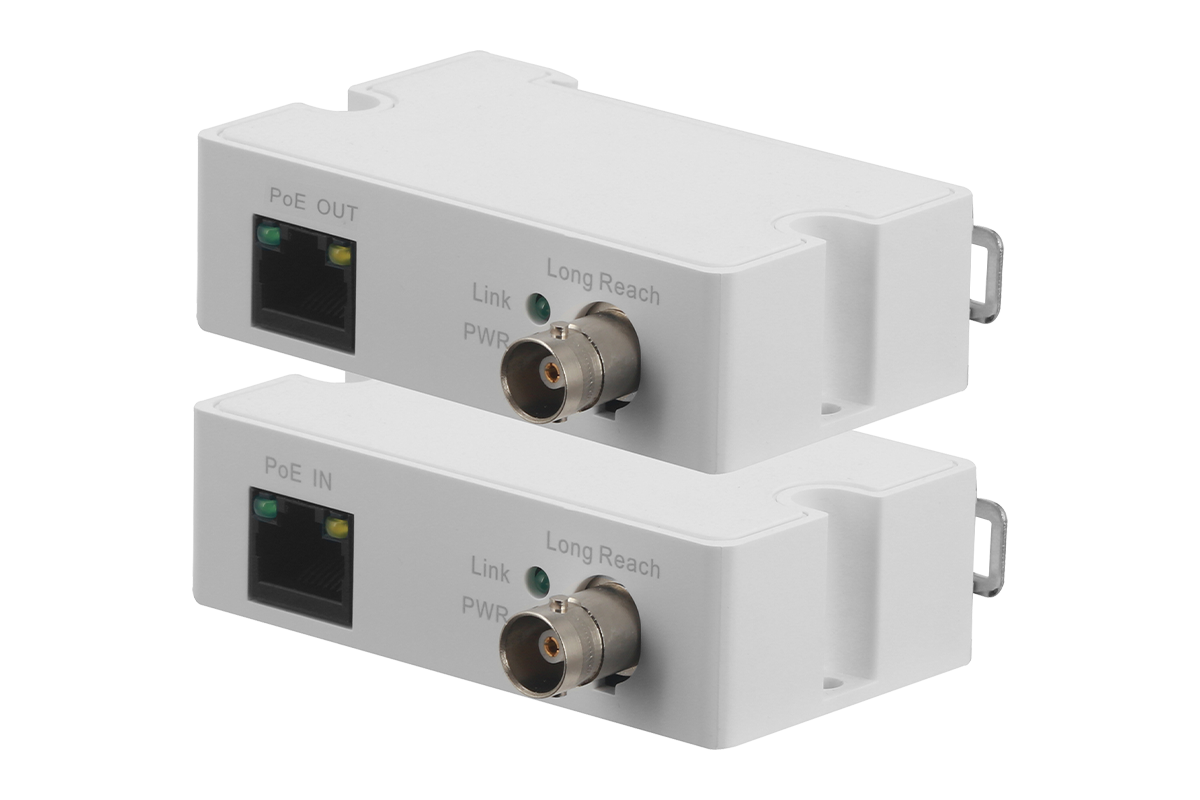
Easily convert coaxial cables to Ethernet for IP cameras, enabling digital connections while saving on rewiring costs.
SKU: ACVKIT
View Product Details

SKU: ALP-ECP-01T/R
View Product Details

SKU: ALP-ECP-2601T/R
View Product Details
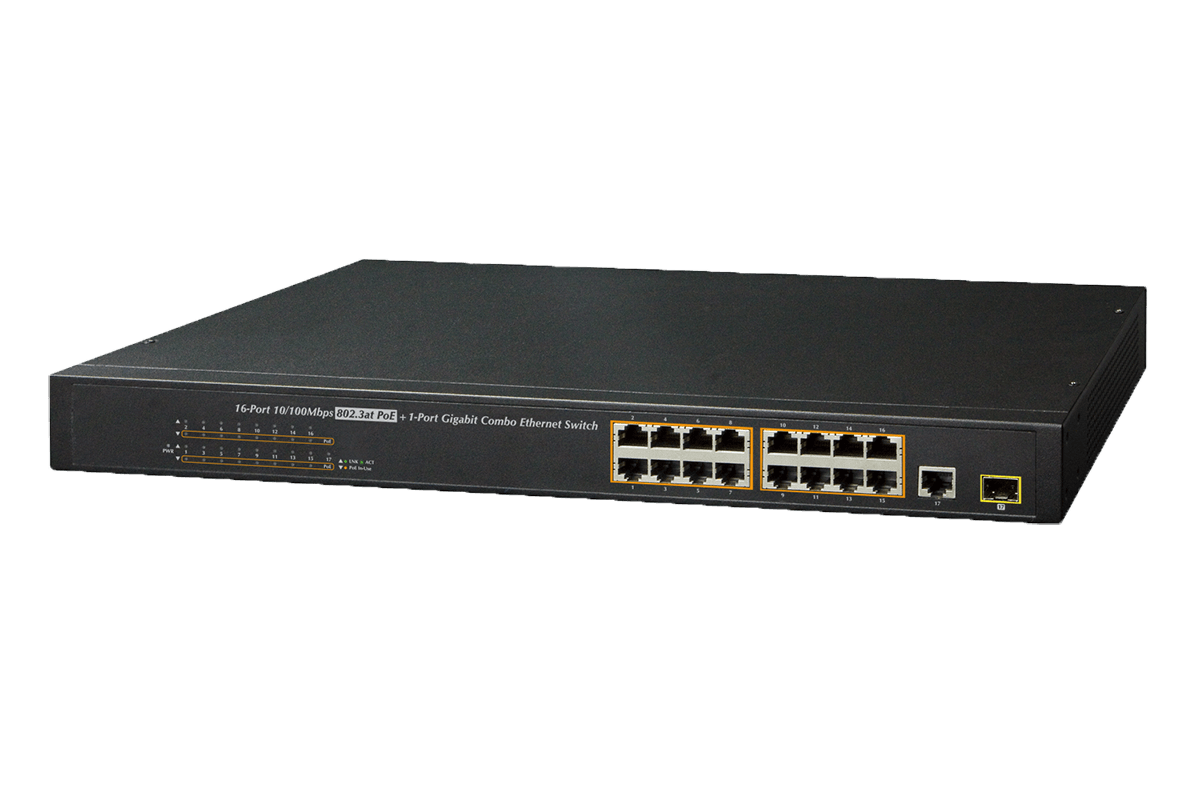
Use an extender, a PoE Switch or Repeater to seamlessly extend your IP camera's range and maintain a reliable connection without rewiring.


SKU: ALP-EUP-01T/R
View Product Details

SKU: ALP-EPR-111
View Product Details
SKU: ALP-HPS-01
View Product Details

SKU: AX8
View Product Details
SKU: AEX8-2
View Product Details
SKU: ACCLPS263B
View Product Details
Easily upgrade 2-pair UTP cables to 4-pair UTP, which provides higher data capacity and power delivery for IP cameras.

Upgrade 2-pair cables to 4-pair UTP for improved data transfer and power support. The additional pairs enhance connectivity, making them ideal for IP cameras and modern systems.

Deliver sharper image quality, smarter detection, and modern IP camera features that older analog systems can’t match.
IP camera and NVR software can be updated over time to support new features and evolving security needs.
Add, replace, or extend IP cameras as security needs change, using PoE for faster, cleaner installs with less wiring.
Trusted by professionals worldwide
Excellent devices! Work great!
Improved the picture quality immensely.
Best solution to upgrading to PoE cameras. These converters really work, and you could never tell the difference between the existing coax and CAT6 cable.
Coax-to-Ethernet adapters are devices that allow you to convert existing cables, such as coaxial or UTP cables, for use with modern IP cameras. They enable seamless integration, cost savings, and longer cable distances without the need for rewiring.
Yes, you can! Lorex Coax-to-Ethernet adapters make it easy to repurpose your existing coaxial cables (RG59, RG6, or similar) for IP cameras. This saves time and money while extending the reach of your surveillance system up to 4000ft.
Power over Ethernet (PoE) is a technology that delivers both power and data over a single Ethernet cable. With PoE and Intercoax Coax-to-Ethernet adapters, you can reduce the need for separate power cables and simplify installation.
Intercoax Coax-to-Ethernet adapters are designed for compatibility with Lorex IP cameras and many other ONVIF-compliant devices. Check the product specifications or consult with our team to confirm compatibility.
Installing a coax-to-ethernet adapter is straightforward:
1. Connect your existing coaxial or UTP cable to the input port on the adapter.
2. Attach the other end of the cable to your IP camera or NVR.
3. Power on the adapter and camera for a seamless setup.
Absolutely! Coax-to-Ethernet adapters are ideal for both residential and commercial applications. They are particularly useful for businesses upgrading from analog to IP cameras, ensuring minimal disruption and reduced costs.
Intercoax adapters support a wide range of cable types, including:
You can purchase Intercoax adapters and extenders directly from our Lorex Store or authorized distributors. Check out our Coax-to-Ethernet Adapters and Extenders information page for the best options tailored to your needs.
Analog cameras use traditional coaxial cables to transmit video signals, while IP cameras send data digitally over Ethernet. IP cameras offer higher resolution, advanced features like AI analytics, and future-ready technology.
No, you don't need a professional installer. Intercoax adpaters and extenders are designed for easy installation, making them suitable for DIY enthusiasts and professionals alike.
Intercoax Coax-to-Ethernet adapters allow you to transition from analog to IP systems without rewiring, enabling you to adopt new technologies like AI-powered cameras, advanced video analytics, and cloud-based storage as they become available.